PDF Voice Reader

Listen to any PDF, page after page.

Open a book, study guide or report and listen while you commute, cook or rest your eyes. Uses the voices already on your phone: offline, no account, no upload.

No accountWorks offlineScreen-off listening
PDF Voice Reader app icon

See it in action

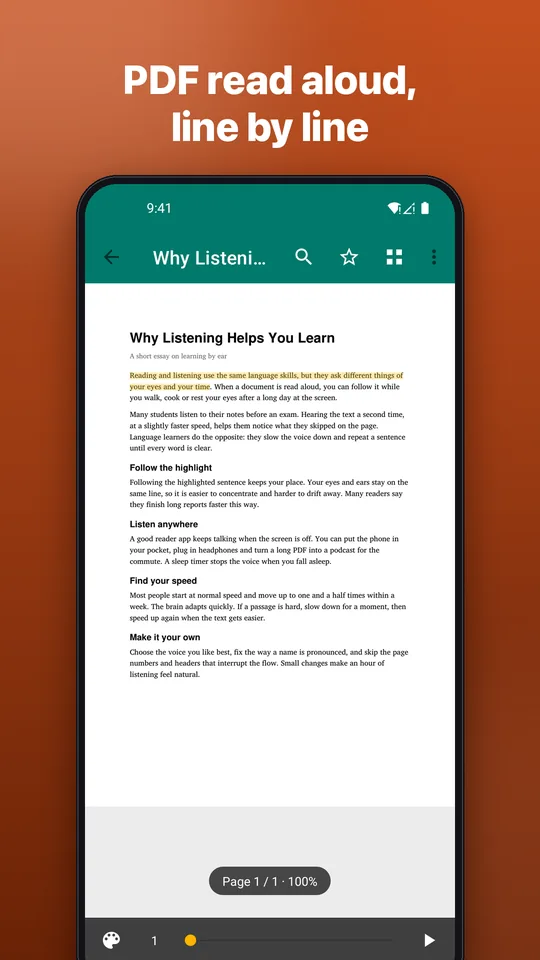
Screenshot: PDF read aloud, line by line
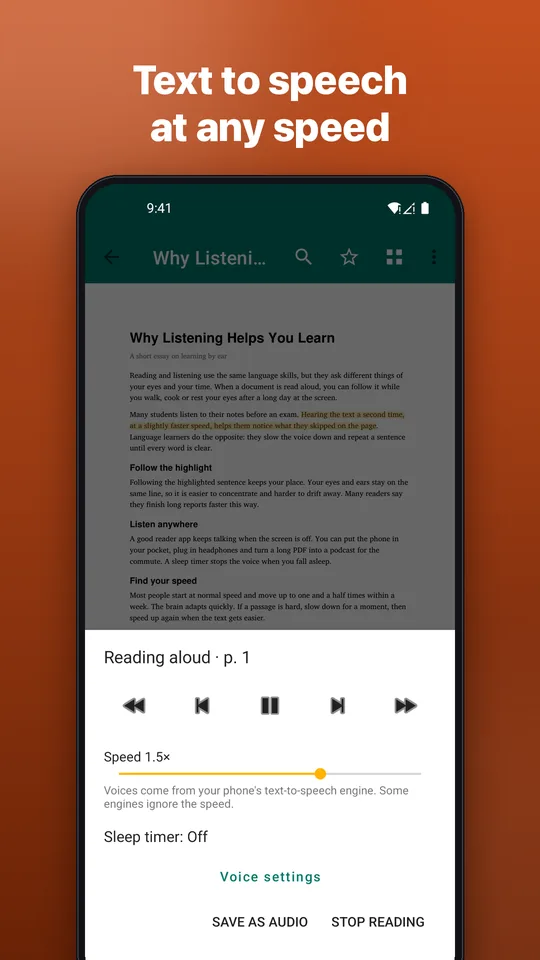
Screenshot: Text to speech at any speed
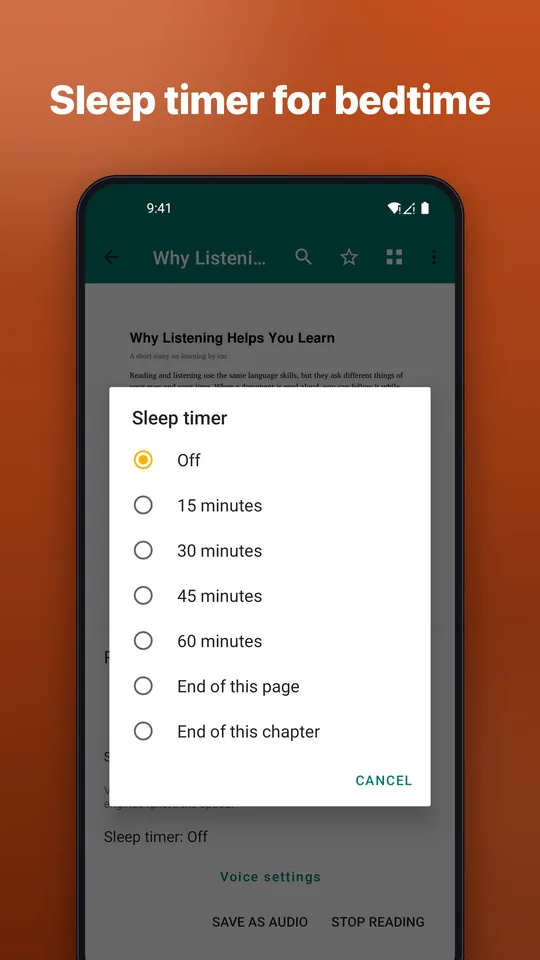
Screenshot: Sleep timer for bedtime
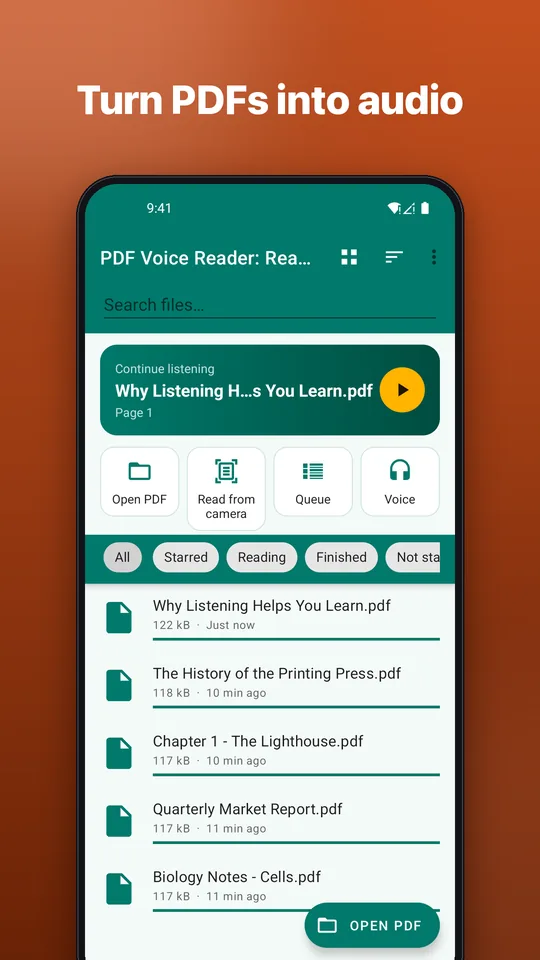
Screenshot: Turn PDFs into audio
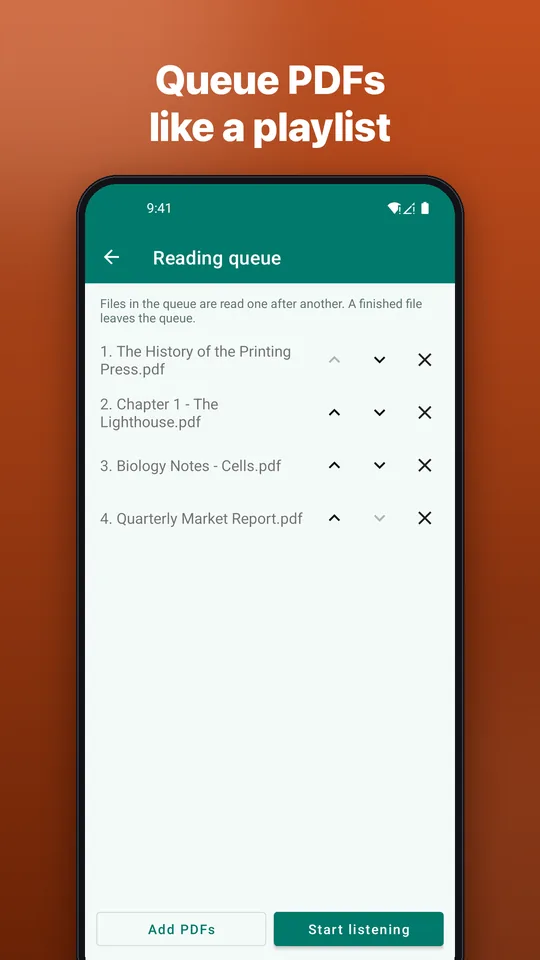
Screenshot: Queue PDFs like a playlist
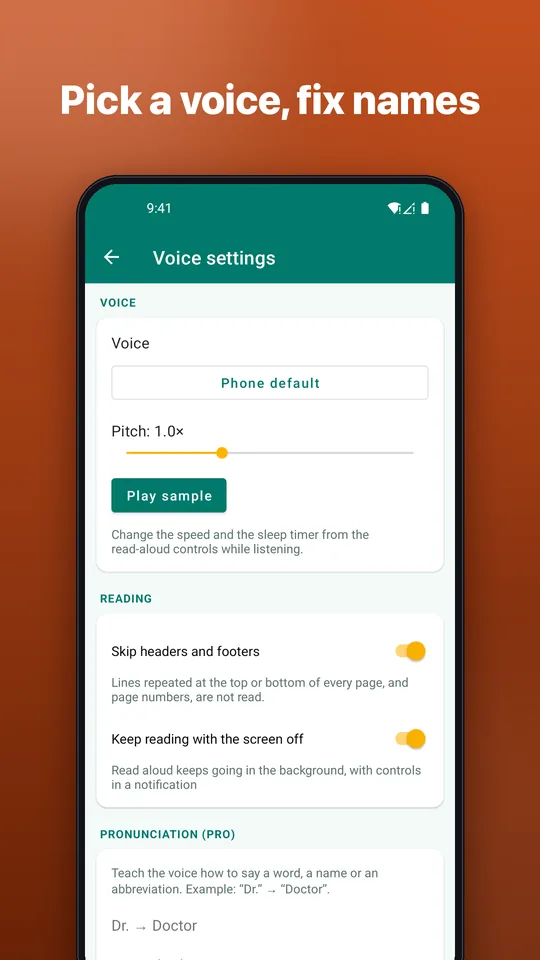
Screenshot: Pick a voice, fix names

Turn reading into listening

For students, busy professionals, language learners and anyone who would rather listen.

Read aloud to the end

Tap Play and the app keeps reading, turning the pages for you.

Follow along

The sentence being read is highlighted. Start from any sentence and skip by sentence or paragraph.

Listen with the screen off

Play and pause from the notification and the lock screen.

Speed, pitch and voice

Adjust speed and pitch and choose any voice installed in your phone's text-to-speech engine.

Sleep timer

Reading stops by itself after the time you choose.

Resume where you stopped

Pick up exactly where you left off, even days later. Repeated headers, footers and page numbers are skipped.

Scanned PDFs (OCR)

No text in the PDF? Recognize it on your phone and listen. 3 pages per document are free.

PDF to audio (Pro)

Save a document as a WAV file to play in any player. Pro also adds a reading queue.

English and Vietnamese

The app is available in English and Vietnamese.
Free to use with ads. Go Pro to remove ads and unlock extra tools: monthly, 3-month or yearly subscription, or a one-time lifetime purchase through Google Play. Cancel any time.

FAQ

Quick answers.

Is PDF Voice Reader free?

You can download and use it for free, with ads. An optional Pro upgrade (monthly, 3-month or yearly subscription, or a one-time lifetime purchase) is available through Google Play.

Which voices does it use?

The text-to-speech voices installed on your phone, for example Speech Services by Google. It does not use cloud or AI voices. Voice quality and languages depend on what you have installed.

Are my documents uploaded anywhere?

No. Documents are read and recognized on your phone. There is no account and no cloud storage.

Will ads interrupt listening?

No. Ads are never shown while audio is playing.

Do I need an account?

No. Install it and open a file.

How do I cancel a subscription?

Open Google Play, tap your profile, then Payments & subscriptions, then Subscriptions, choose PDF Voice Reader and tap Cancel. Uninstalling the app does not cancel it.

Turn your PDFs into something you can hear

Free on Google Play.

Get it on Google Play